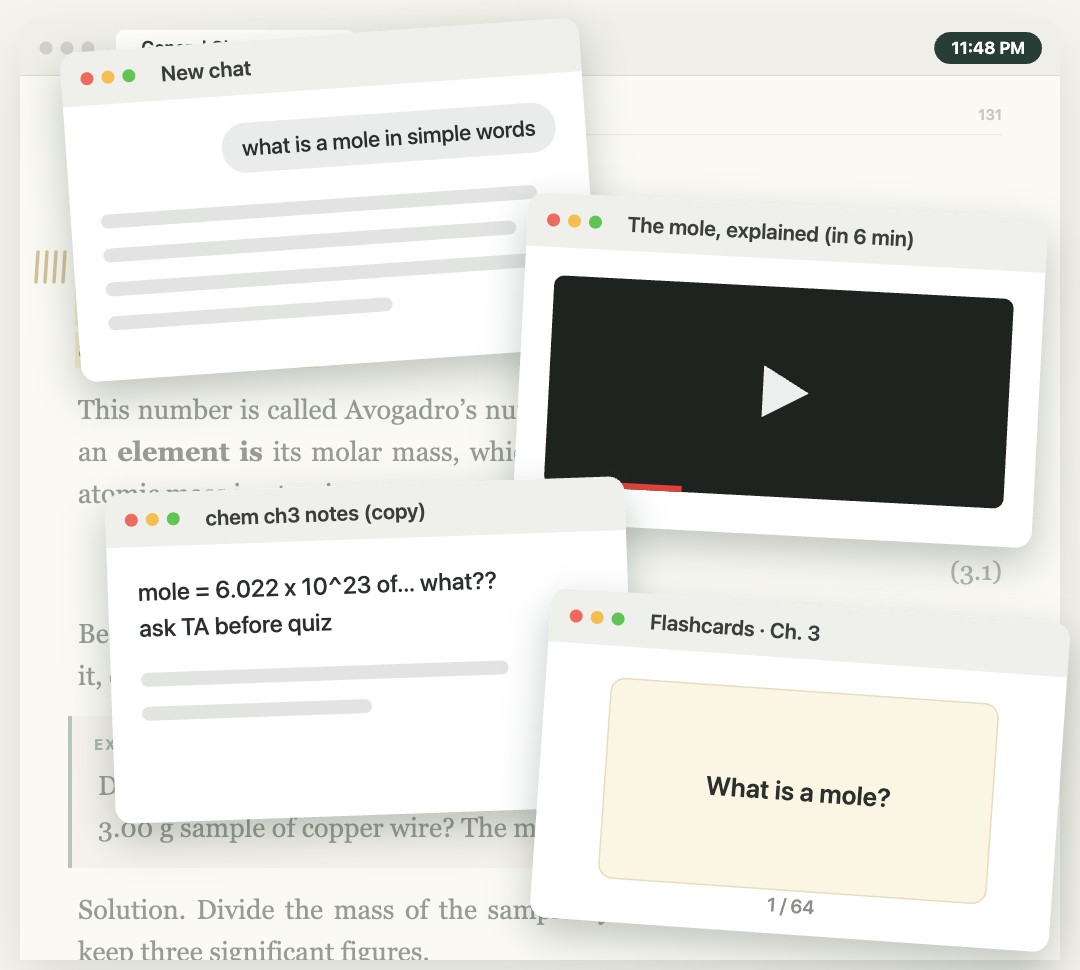
A whole chapter is a lot for one sitting. So take it one sentence at a time. When something clicks, write it right under the line and keep going. Every note is progress you keep. By exam day, it’s your study guide.
You read the same page again and again. Then you open ChatGPT, a video, your notes app. By the time something makes sense, you’ve lost your place, and the night is gone.
Today
With marginstudy
A mole is just a count, like a dozen. A dozen eggs = 12 eggs.
How it works
Write it down where you get stuck.
Small notes, right inside your textbook. They add up.
01
Open your PDF and read.
A textbook, slides, or a reading. Go one section at a time, until a line stops you.
02
Write under the line.
Stuck? Press ⌘↩. The page opens up. Write what it means in your own words, then keep reading.
A mole is just a count…
03
Come back to it.
Only half get it? Out of time? Leave a note. Next time, click it and you’re right back.
NoteNot sure yet…Stopped here
04
Pull it together.
Before the exam, put your notes on one page. That’s your study guide.
Chem midterm study guide
See it on a real textbook.
0:00 / 0:00
Why we built marginstudy
Understanding is built piece by piece.
Other note-taking apps help you organize whole pages. But understanding often hinges on one critical sentence—or a single word that stops you.
We built marginstudy for that moment. Put your question right under the line. Work through the sentence or word that’s holding you up. Keep what you discover beside the text, so you can build on it.
Smaller sections. Room to process. A review of 56 investigations found that breaking multimedia lessons into meaningful segments improved learning and reduced mental load, on average. Rey et al., 2019 ↗ (opens in a new tab)
Finding your place
Every note, one click away.
Every note shows up on a map of the book. Click a dot and you’re back on that page. Try it.
Sample textbook1 / 3
Dot products
1.1 The dot product
Note: Dot product: multiply the matching pairs, then add.
Note: For (1, 2) and (3, 4), I get 3 + 8 = 11.
Note: I can calculate a dot product. I’m still not sure when to use one.
1.2 A worked example
Note: Dot product = one number. I was expecting another vector.
1
Direction and angles
2.1 Vectors as arrows
2.2 Perpendicular vectors
Note: Why do perpendicular vectors have a dot product of zero?
2
Applications
3.1 Comparing vectors
3.2 Finding similar text
Note: Is a dot product how search compares two pieces of text?
Note: Review this dot-product example before the problem set.
3
Jump to Note
Click a line to explore. Choose a dot to revisit a note.
Built for your Mac.
Feels like a Mac app.
Mac shortcuts, trackpad gestures, and tabs.
Your notes stay on your Mac.
No account. Your PDFs stay where they are.
Works offline.
Study on the train or in the library.
Pricing
One price. No subscription.
Try everything free for 14 days with your own PDFs. No account and no credit card. If you like it, buy it once.
Notes that open up inside the page A map of every note in the book Scratchpads and a drawing canvas Everything saved on your Mac
MARGINSTUDY FOR MAC
Free for 14 days
No account. No credit card. Nothing charged automatically.
Browse free, openly licensed textbooks across many subjects.
open.umn.eduFree textbook library
Questions.
Does it work with lecture slides?+
Yes, if they’re a PDF you can select text in. That goes for textbooks, readings, and papers too. Scanned pages and busy layouts may have fewer spots for notes. Files up to 2,000 pages and 300 MB.
Which Macs does it run on?+
Macs with Apple silicon (M1 or newer). It doesn’t run on Intel Macs yet.
Is there an iPhone or iPad version?+
No. marginstudy is a Mac app. On your phone, tap Send to my Mac and download it there.
Where are my notes saved?+
On your Mac, in the marginstudy workspace. Your PDF stays where it is. Keep it there, and back up your workspace to keep your notes safe.
How does the free trial work?+
The 14 days start when you first open marginstudy. Use every feature with your own PDFs. No account, no credit card, and nothing is charged automatically. After that, buy it once for $39 to keep using it. Your notes stay yours either way, and you can export them. You’ll need internet to download, buy, and now and then check your license. Reading and writing work offline.
Your next study guide starts with the next sentence you don’t get.