A PDF reader for studying on your Mac

Give yourself
a little space to think

Margin is a PDF reader specifically designed for dense technical texts where every sentence matters.

14-day free trialNo credit card. No subscription.

Apple silicon · M1 or newer

A textbook, with your thinking in it.
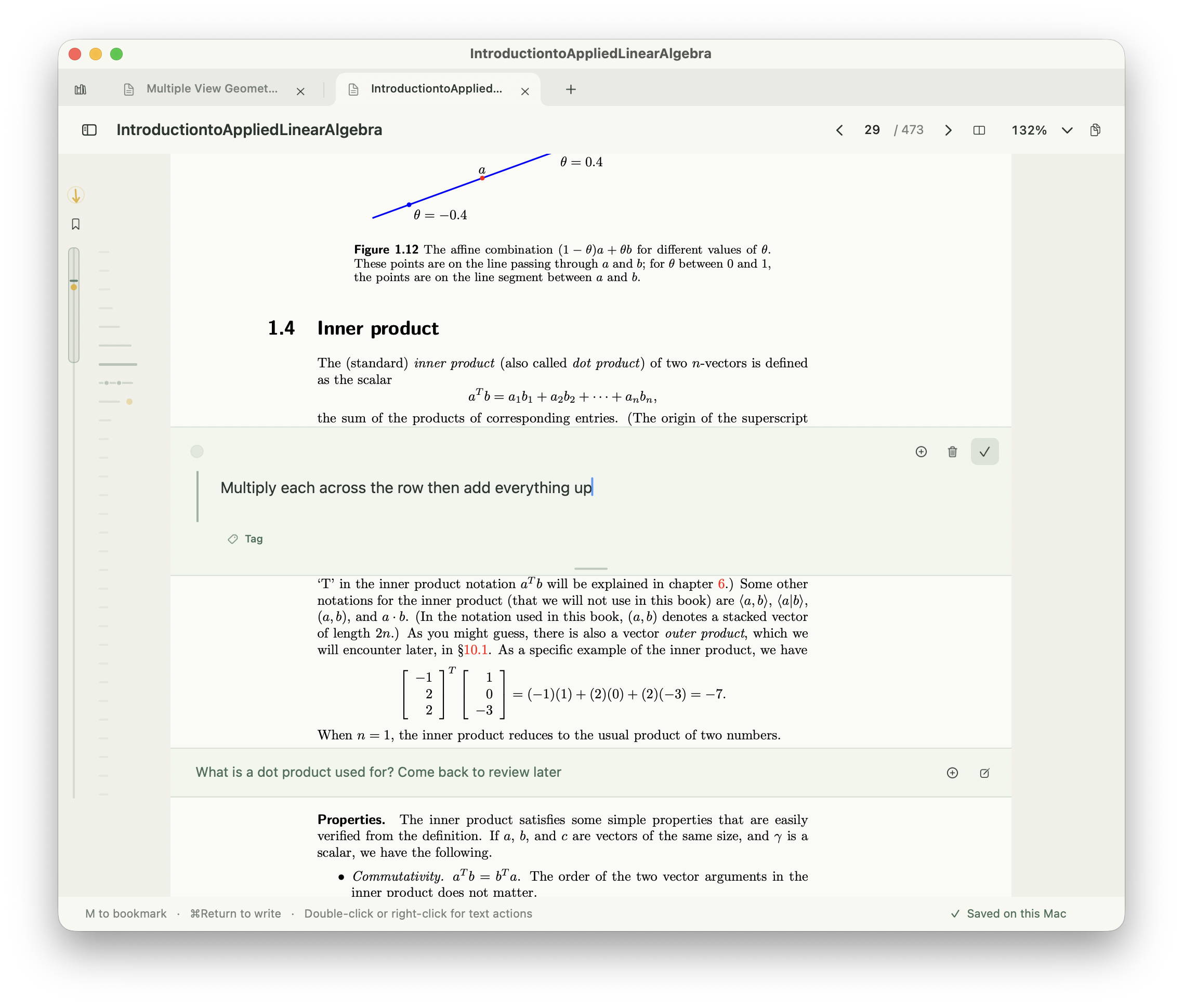
Margin makes space beneath the textbook’s inner-product definition for the note: Multiply each across the row then add everything up.

See how Margin works.

A mountain of textbook lines beside the words: Everything you want to master is already written down.

Finding your place

No more scattered notes
Every note organized

Your notes show up on a mini-map of the textbook for you to jump right back in.

Sample textbook

Dot products

1.1 The dot product

Note: Dot product: multiply the matching pairs, then add.
Note: For (1, 2) and (3, 4), I get 3 + 8 = 11.
Note: I can calculate a dot product. I’m still not sure when to use one.

1.2 A worked example

Note: Dot product = one number. I was expecting another vector.
1

Direction and angles

2.1 Vectors as arrows

2.2 Perpendicular vectors

Note: Why do perpendicular vectors have a dot product of zero?
2

Applications

3.1 Comparing vectors

3.2 Finding similar text

Note: Is a dot product how search compares two pieces of text?
Note: Review this dot-product example before the problem set.
3

Click a line to explore. Choose a dot to revisit a note.

Scratchpads

Stitch hard ideas
together.

Hard topics are just many little topics chained together. Scratchpads let you collect scattered notes into a cohesive picture.

This is interactive, try it out!

ScratchpadExample

Example scratchpad

I can follow the calculation. Here’s how I’ll remember it.

Note from p. 12

Dot product: multiply the matching pairs, then add.

So (1, 2) · (3, 4) becomes 1 × 3 + 2 × 4 = 11.

Note from p. 18

What does the dot product tell me about these vectors?

Next: draw these two vectors and compare their directions.

My explanation

A dot product gives me one number. I know how to calculate it; now I want to understand what it means.

What I’ll try next

I’ll draw two perpendicular vectors and work out their dot product. Then I’ll compare that with two vectors pointing the same way.

My prediction: changing the directions will change the result.
Editable example. Your changes stay in this demo and reset when you reload. Use the toolbar to format text. Select a linked note to remove it; Undo restores it.

Collect notes from different pages. Add your own thinking around them.

Built for studying on your Mac.

Familiar controls.

Use Mac shortcuts and trackpad gestures. Keep books open in tabs or separate windows.

Your work stays on your Mac.

Your PDF stays in its original location. Margin saves your notes and scratchpads on your Mac.

Study offline.

Read, write, and sketch without an internet connection or a Margin account.

Margin for Mac

One purchase.
No subscription.

Try every feature free for 14 days. Take notes in your own PDFs before you decide.

Notes in the page & easy navigation Scratchpads & Excalidraw canvas Your books & notes, saved locally
MARGIN FOR MAC

Try it for free

No credit card. No automatic charge.

Apple silicon · M1 or newer

Keep Margin for

$39USD
one time
Buy now

Use Margin on 2 Macs per purchase.

Before you get started.

Will it work with my textbooks?

Margin opens PDFs from your Mac. PDFs with selectable text work best for placing notes precisely. Scanned pages and complex layouts may offer fewer places to add notes. It supports documents up to 2,000 pages and 300 MB.

Which Macs can run Margin?

Margin runs on Apple silicon Macs (M1 or newer). The current release does not support Intel Macs.

Where are my notes saved?

Your notes and scratchpads are saved locally in the Margin workspace on your Mac. Your PDF stays at its original location. Keep that file available and back up your workspace to keep your study work safe.

Do I need a subscription or an account?

No subscription and no Margin account. Try Margin free for 14 days, then buy it for $39 USD once if you want to keep using it. Reading and writing work offline. You’ll need an internet connection to download the app, purchase, and activate or periodically verify your license.

How does the free trial work?

Your 14-day trial starts when you first open Margin. Try all the features with your own PDFs, without an account or credit card. There is no automatic charge. After the trial, buy a $39 USD license to keep using Margin. Your work is kept, and you can still export it if you choose not to buy.

Resources

A few
good books.

Free textbooks, shared by independent authors and universities. These links take you to their websites.

With thanks to the people who make learning more accessible.

Explore all resources

Your PDF textbooks
deserve an upgrade.

Bring your next book. Make room for your thinking.

$39 one-time payment. 14-day free trial.

Releases

View all releases

v1.4.0

  • Notes in multicolumn PDFs: Add notes within multicolumn textbooks and research papers.

v1.3.3

  • Add notes more precisely beneath headings, captions, images, and equations.

v1.3.0

  • Added a two-page view for reading pages side by side.

v1.1.0

  • Added a website link to About Margin.
  • Improved the macOS installation experience.

v1.0.0

  • Introduced Margin for Mac: read PDF textbooks with inline notes, highlights, and bookmarks.
  • Connect textbook notes to scratchpads with writing and canvas views.
  • Organize books in a visual library and work across multiple tabs and windows.
  • Keep your notes, scratchpads, and reading progress saved locally on your Mac.